
AI image generator: illustrations and posters from text
Describe the scene, the style and where it will be used. Starling AI creates the image, and you can refine it in conversation until it says what you mean.
Opening soon — join the waiting list.
Updated October 2026
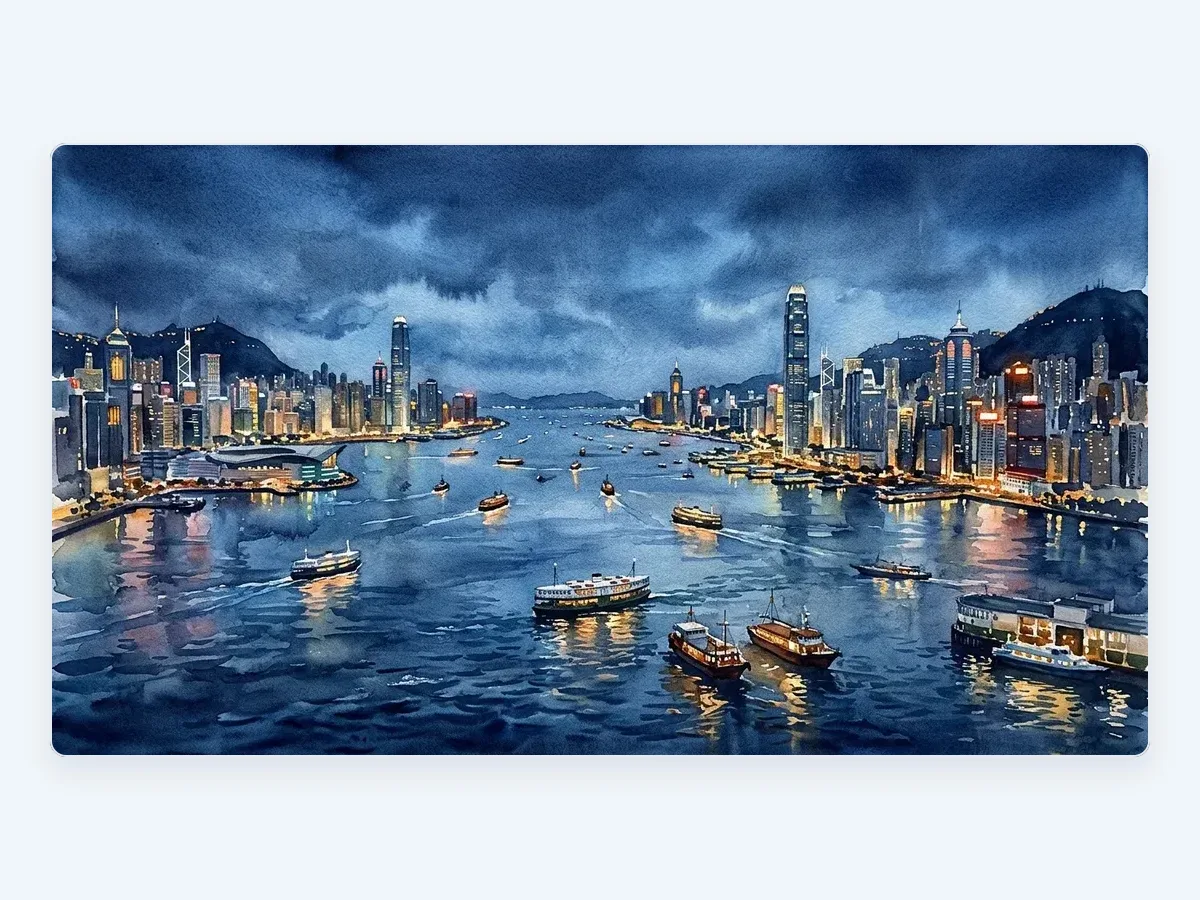
Sample output
How it works
Three steps. Nothing to learn first.
Describe it
In English or Chinese, the way you would explain it to a colleague.
Starling AI makes it
It plans the work and picks the most suitable AI model — or you choose your own.
Refine, export, publish
Keep chatting to adjust it, then download PPTX, DOCX or PDF, or publish your website.
What you get
High-resolution images to download
Choose the AI model for the look you want
Refine colours, style and details in conversation
Questions
Can I choose the style?
Yes. Describe the style in your own words — watercolour, flat illustration, photo-realistic or poster — and refine it in conversation.
Can I use a reference image?
Yes. Attach an image and describe what to change or keep.
Can I pick the image model?
Yes. Starling AI picks a suitable model automatically, and you can choose another for a different look.
Is it free?
The free plan includes 60 images a month. Paid plans add more images and more advanced models.
Ready when you are.
Opening soon — join the waiting list.