
AI presentation maker: slides from one sentence
Describe your topic, audience and tone. Starling AI plans the storyline, designs the slides and gives you a deck you can keep editing and download as PowerPoint.
Opening soon — join the waiting list.
Updated October 2026
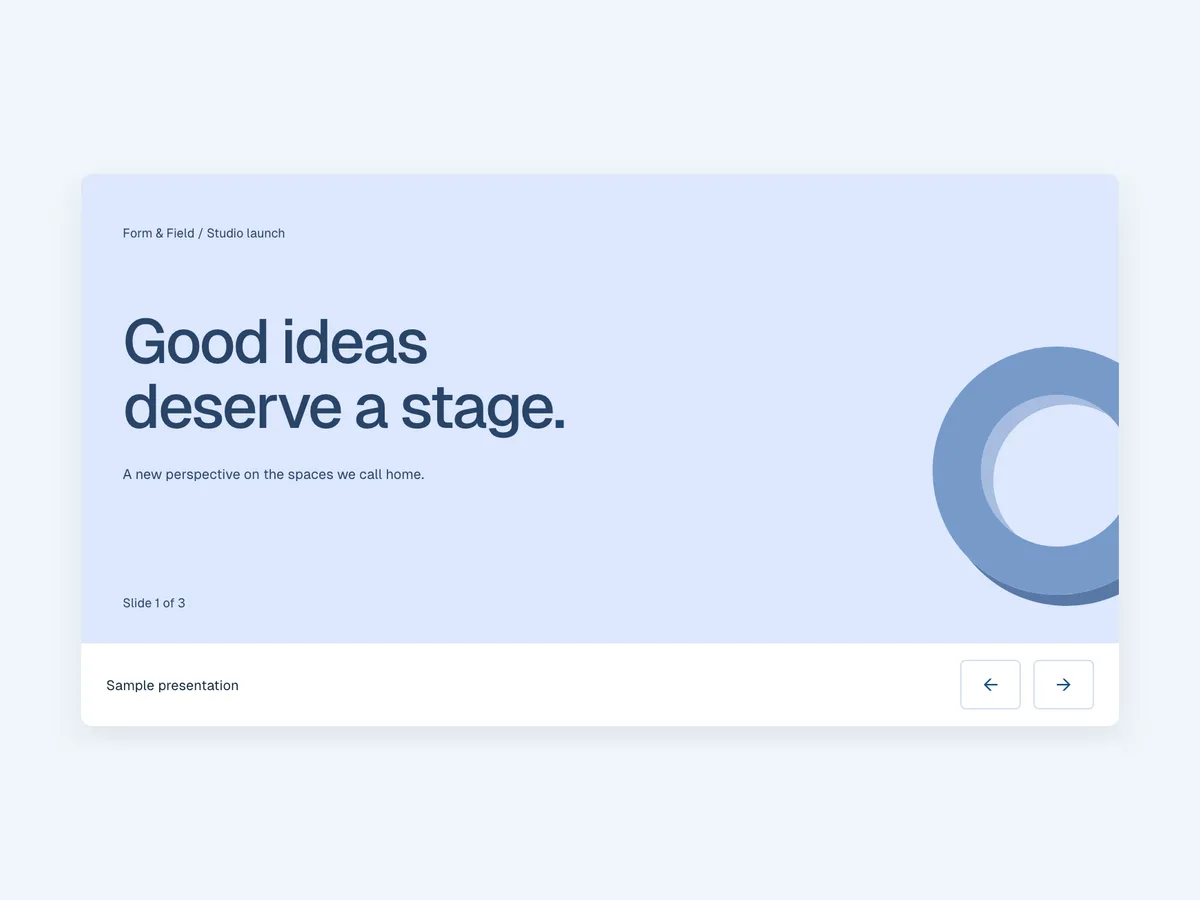
Sample output
How it works
Three steps. Nothing to learn first.
Describe it
In English or Chinese, the way you would explain it to a colleague.
Starling AI makes it
It plans the work and picks the most suitable AI model — or you choose your own.
Refine, export, publish
Keep chatting to adjust it, then download PPTX, DOCX or PDF, or publish your website.
What you get
An editable deck in your workspace
Download as PowerPoint (PPTX)
Refine any slide in conversation
Questions
Can I download the slides as PowerPoint?
Yes. Every deck can be downloaded as a PPTX file that opens in PowerPoint, Keynote or Google Slides.
Can it write the slides in Traditional Chinese?
Yes. Ask in Traditional Chinese and the slides are written in formal written Chinese with Hong Kong terms. English works too.
Can I change a slide after it is made?
Yes. Ask for changes in the conversation — rewrite a slide, add a section or change the style — and the deck updates.
Is it free?
Yes — you can make presentations on the free plan. Paid plans add more usage and more advanced AI models.
Ready when you are.
Opening soon — join the waiting list.