
AI video generator: short clips from text or images
Describe a moment, or start from a still image, and Starling AI turns it into a short video for a lesson, a product or a story.
Opening soon — join the waiting list.
Updated October 2026
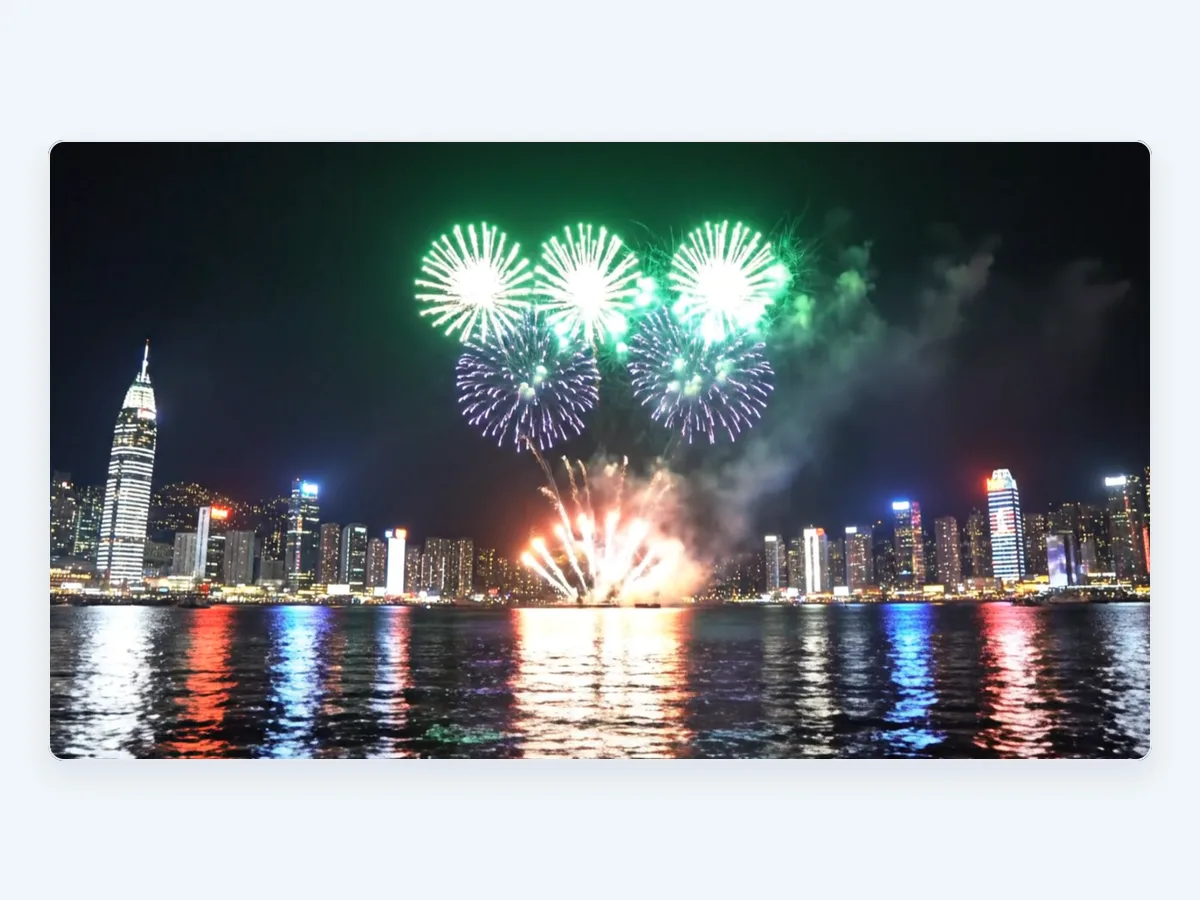
Sample output
How it works
Three steps. Nothing to learn first.
Describe it
In English or Chinese, the way you would explain it to a colleague.
Starling AI makes it
It plans the work and picks the most suitable AI model — or you choose your own.
Refine, export, publish
Keep chatting to adjust it, then download PPTX, DOCX or PDF, or publish your website.
What you get
Short video clips to download
Start from text or from an image
Included in paid plans
Questions
How long are the videos?
Videos are short clips, ideal for openers, teasers and social posts. Length depends on the model you choose.
Can I start from an image?
Yes. Attach a still image and describe how it should move.
Which plans include video?
Video is included in paid plans and in plans for schools and organisations. The free plan does not include video.
Can I use the video in a presentation or website?
Yes. Download the clip and use it in your slides, your website or your social posts.
Ready when you are.
Opening soon — join the waiting list.